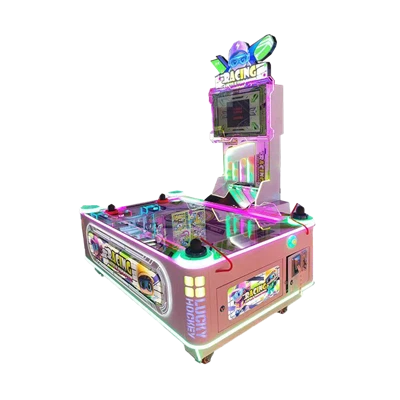
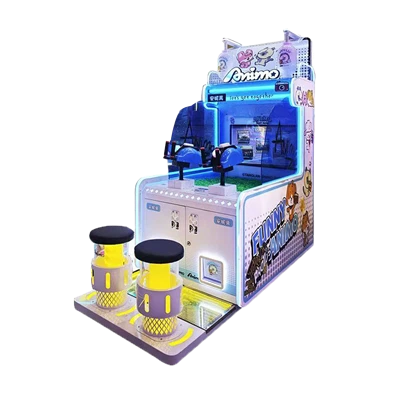
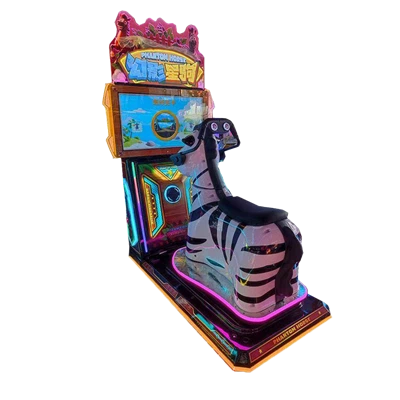
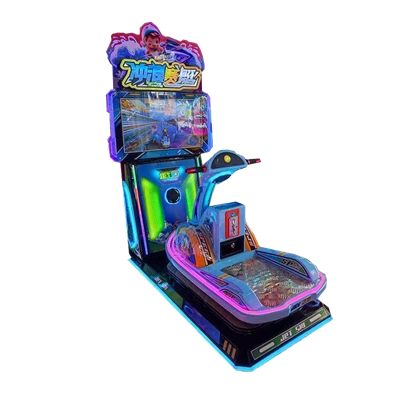
Pinball machines are built to be durable, but they cannot stay in good condition without regular care. Whether a pinball machine is used in a commercial arcade, a family entertainment center, or a private game room, daily use slowly affects both performance and reliability. Many owners wait until something breaks before taking action, but most pinball problems start small. Weak flippers, slow ball movement, scoring errors, and system warnings are often caused by missed maintenance rather than serious defects. This article explains practical pinball machine maintenance tips that every owner should know. By following these guidelines, you can extend the life of your machine, reduce repair costs, and keep gameplay smooth and enjoyable.
Why Regular Pinball Machine Maintenance Matters
Preventing Breakdowns and Costly Repairs
Regular maintenance helps identify small problems before they become major failures. Dust buildup, loose screws, worn parts, and unstable connections may not stop the machine right away, but they slowly increase stress on coils, switches, and boards. When these issues are ignored, repairs become more complex and more expensive. In commercial locations, a machine that is out of service also means lost income. A simple maintenance routine helps reduce unexpected breakdowns and keeps long-term operating costs under control.
Maintaining Smooth Gameplay and Player Satisfaction
Pinball games depend on fast response and accurate movement. If flippers feel weak, the ball moves unevenly, or scoring does not register correctly, players will notice immediately. Poor gameplay reduces play time and repeat use. Regular maintenance keeps mechanical parts responsive and ensures that game rules work as intended. Smooth and reliable gameplay improves the player experience and makes the machine more enjoyable for both casual players and serious fans.
Daily and Weekly Maintenance Tasks
Cleaning the Playfield Surface
The playfield collects dust, dirt, and metal residue from the pinball during normal use. This buildup increases friction and slows the ball over time. Regular cleaning helps maintain proper ball speed and protects the playfield surface. Owners should use pinball-safe cleaning products and a soft, lint-free cloth. Cleaning should be done gently, especially around inserts and moving parts, to avoid pushing dirt into sensitive areas. In busy locations, weekly cleaning is recommended to keep gameplay consistent.
Inspecting the Pinballs
Pinballs themselves can cause serious wear if they are damaged. Over time, pinballs may develop rust, scratches, or small dents that can scratch the playfield and ramps. Checking pinballs regularly and replacing them when wear is visible is one of the easiest and lowest-cost maintenance steps. Smooth pinballs protect the playfield and help the ball move predictably during play.
Mechanical Parts Maintenance
Flippers and Coil Assemblies
Flippers are used more than any other part of a pinball machine. Dirt buildup, worn coil sleeves, or loose hardware can reduce flipper strength and response time. Regular inspection helps owners restore proper flipper performance before gameplay is affected. Flippers should move freely, return quickly, and strike the ball with consistent power. Keeping flippers in good condition improves shot accuracy and reduces stress on electrical components.
Pop Bumpers, Slingshots, and Targets
Pop bumpers, slingshots, and targets affect scoring, ball direction, and game speed. As these parts age, rubber rings harden, mechanical parts loosen, and switches lose sensitivity. This can cause weak reactions or missed hits. Regular maintenance ensures that these components respond instantly when activated. Replacing worn rubber parts and checking alignment helps preserve the original game flow and difficulty level.
Electrical and Electronic System Care
Checking Switches and Sensors
Switches and sensors control scoring and game logic. Dust, vibration, and wear can cause switches to misfire or stop working. Using the machine's test mode allows owners to confirm that each switch responds correctly. Cleaning and adjusting switches when needed prevents scoring problems and rule errors, helping the game operate smoothly and accurately.
Inspecting Wiring and Connectors
Pinball machines produce constant vibration during play, which can loosen connectors and strain wiring. Loose or damaged connections may lead to power loss, display issues, or random resets. Regular inspection allows owners to secure connectors and spot early signs of wire damage. Proper wiring care improves system stability and reduces electrical failures.
Software and System Updates

Keeping Game Software Up to Date
Many modern pinball machines rely on software to control rules, displays, and special features. Manufacturers may release updates to fix bugs or improve performance. Keeping software up to date helps maintain system stability and prevents known issues. Updates should always follow manufacturer instructions to avoid compatibility problems.
System Reset and Error Log Review
Most modern machines record system errors and warnings. Reviewing error logs helps owners detect problems that may not be obvious during gameplay. Performing system resets when recommended can clear temporary faults and restore normal operation. Regular log checks support preventive maintenance instead of waiting for failures.

Environment and Placement Considerations
Temperature and Humidity Control
High heat and moisture can damage electronic components and increase the risk of corrosion. Pinball machines should be placed in areas with stable temperature and controlled humidity. Avoid direct sunlight and poor ventilation. Proper environmental conditions protect internal parts and help extend machine life.
Stable Floor and Proper Leveling
A pinball machine must be properly leveled to ensure fair and predictable gameplay. An uneven floor can cause the ball to favor one side of the playfield. Owners should check leveling regularly, especially after moving the machine. Correct leveling improves ball movement and overall play quality.
Maintenance Schedule and Record Keeping
Creating a Maintenance Routine
A clear maintenance routine makes upkeep easier and more consistent. Daily checks, weekly cleaning, and monthly inspections help prevent missed tasks. A routine approach allows owners to catch problems early and keep the machine running smoothly.
Keeping Maintenance Records
Maintenance records help track repairs, part replacements, and recurring issues. Over time, these records make it easier to plan maintenance, order spare parts, and manage costs. Good records support smarter decisions and more reliable operation.
When to Call a Professional Technician
Issues That Require Expert Help
Some problems require professional support, especially those involving power supplies, main boards, or complex software errors. Attempting these repairs without proper training can cause further damage. Knowing when to contact a technician helps protect the machine and avoid unnecessary costs.
Conclusion
Pinball machine maintenance is not complicated, but it requires consistency and attention to detail. Regular cleaning, mechanical checks, electrical inspections, and proper environmental control can greatly extend the life of a machine. Preventive maintenance reduces downtime, lowers repair costs, and keeps gameplay smooth and reliable. Whether used in a commercial setting or a private collection, a well-maintained pinball machine delivers better performance and long-term value.